
Variant-level pricing lets you set different discount tiers for individual variants (such as sizes or colours). This means you can offer unique volume discounts for each variant while keeping general tiers for the rest of the product.

How to Add Variant-Level Pricing
Open your Shopify Admin
Go to Products and select the product that contains the variant you want to edit.Select the variant
In the Variants section, click on the specific variant you want to add pricing tiers to.
Find the App Block section
Scroll down until you see App Blocks for that variant.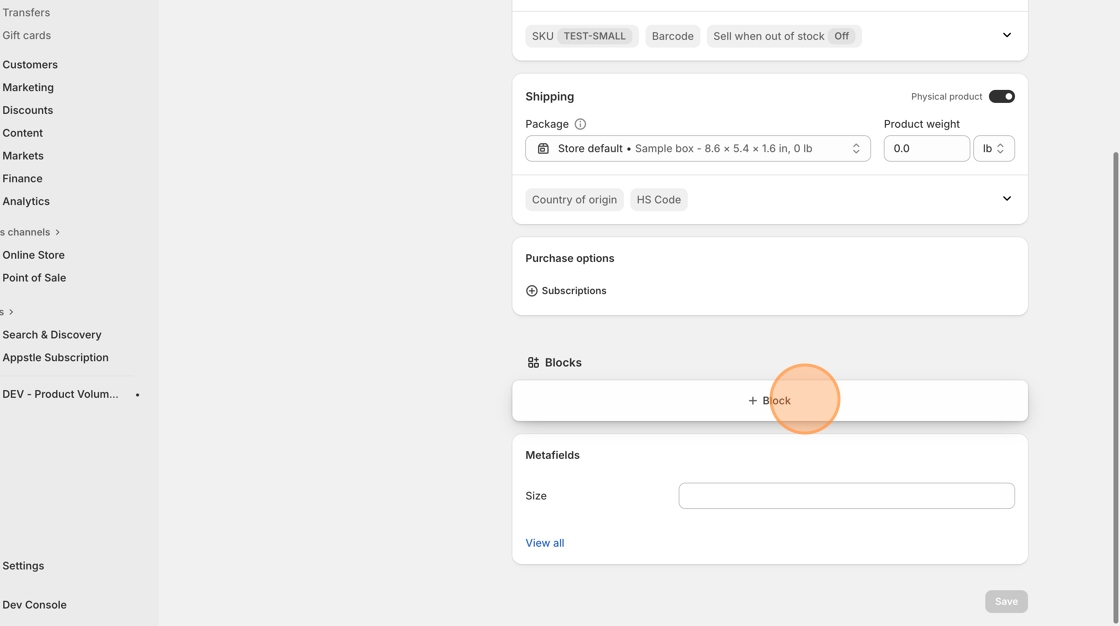
Add the MNML Variant-Level block
Click + Add App Block, then choose MNML Volume Pricing – Variant Level.
The block will appear in the variant preview area.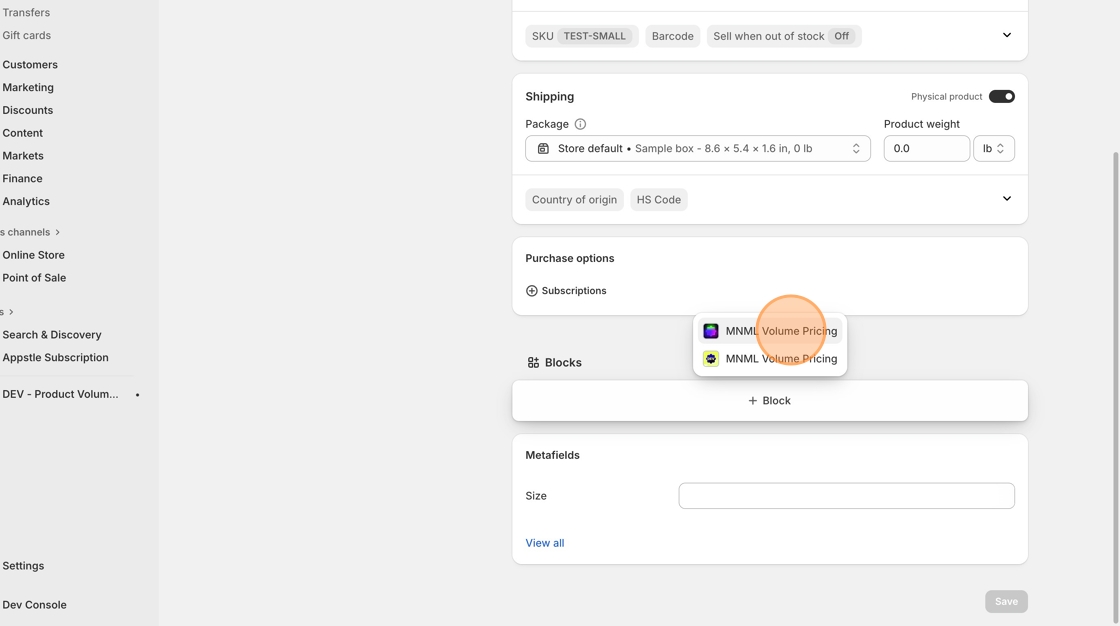
Pin the block (recommended)
Click the Pin icon next to the block. This ensures the pricing table always appears on your product page for all staff users.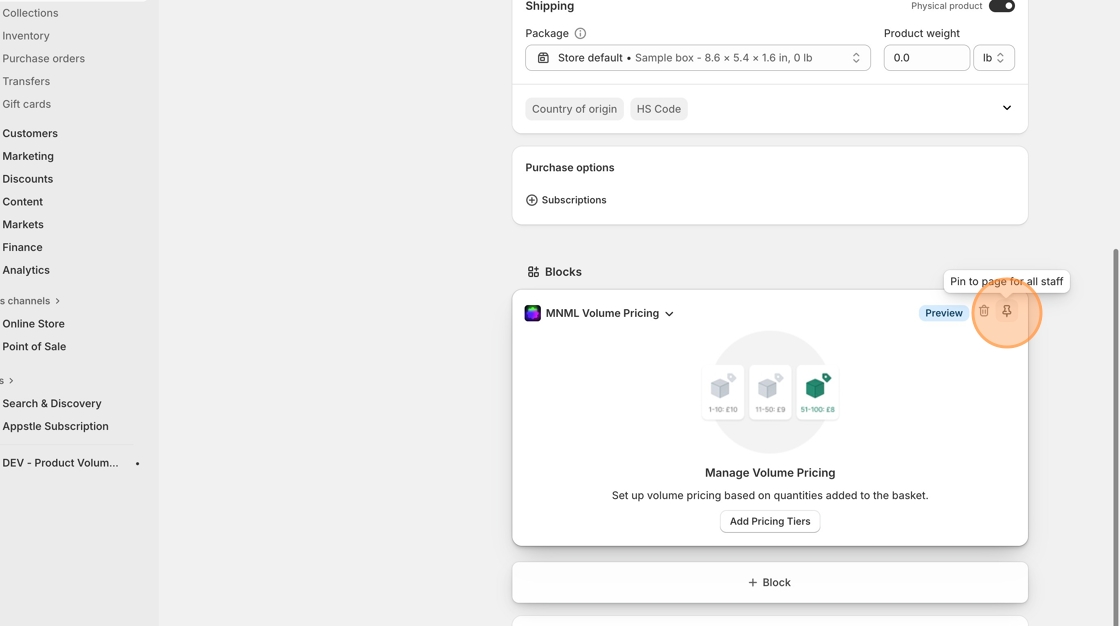
Add your variant pricing tiers
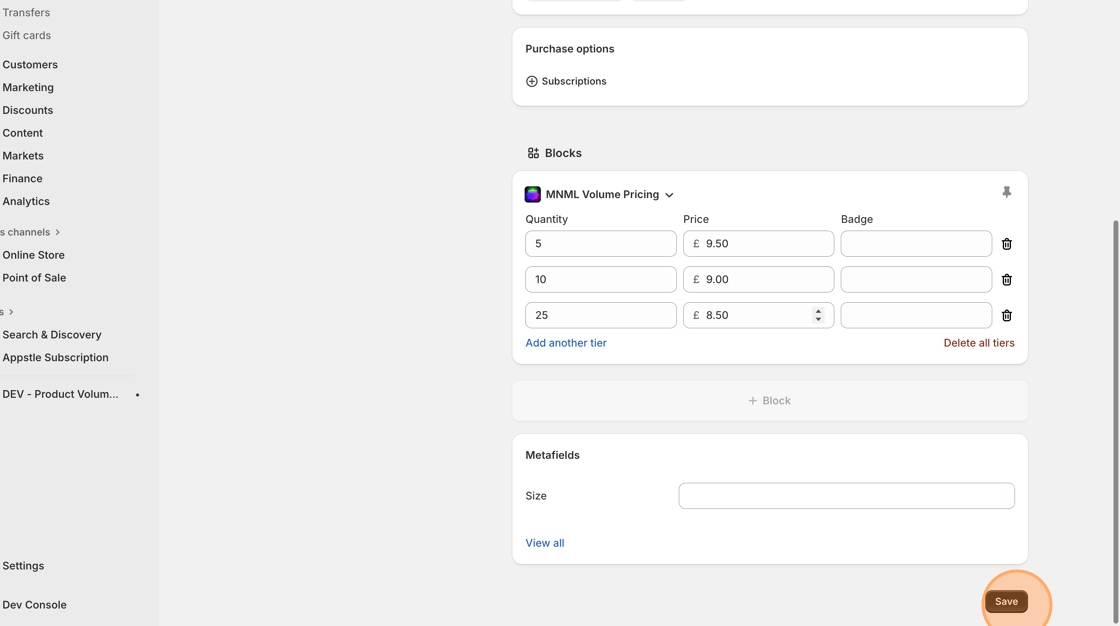
Click Add pricing tier to create your first discount rule, and click Save.
You can add as many tiers as you like. The app will automatically apply the best price when customers add items to their basket.
Example:
Buy 5 or more → £9.50 each
Buy 10 or more → £9.00 each
Buy 25 or more → £8.50 each